


Chapter 01
Self-custody changes who can authorize a transaction
A crypto wallet does not place coins inside a phone or hardware device. It manages the credentials used to control accounts recorded on a blockchain and helps the user review and sign transactions. In a self-custody arrangement, the provider is not holding those credentials on the user's behalf.
That distinction removes one form of counterparty dependence, but it also removes familiar recovery options. Ethereum.org notes that wallet applications are tools for interacting with an account and that users remain responsible for protecting their keys. If recovery material is lost or disclosed, there may be no central operator capable of restoring access or reversing a transfer.
Chapter 02
Start with a threat model, not a product list
The right setup depends on what must be protected and from whom. A small wallet used to explore applications has a different risk profile from long-term savings, a business treasury or assets shared by several decision-makers. Device theft, malware, phishing, fire, coercion, accidental deletion and the owner's incapacity are separate problems and rarely have one perfect solution.
Write down the realistic threats, the people who need access and the recovery time that would be acceptable. This makes trade-offs visible. More layers can improve resilience, but complexity can also create new ways to make an unrecoverable mistake.
Chapter 03
Hardware and software wallets isolate risk differently
Software wallets can be practical for frequent use because they run on a phone, browser or computer. Their security depends heavily on that device, the authenticity of the installation, operating-system hygiene and the permissions granted to websites or applications.
Hardware wallets are designed to keep signing credentials separated from a general-purpose computer and to let the user confirm transaction details on a dedicated screen. That separation can reduce exposure to remote malware, but it does not protect against every mistake. A user can still approve a malicious transaction, disclose a backup or trust a substituted address without checking the device display.
Chapter 04
The backup can be more sensitive than the device
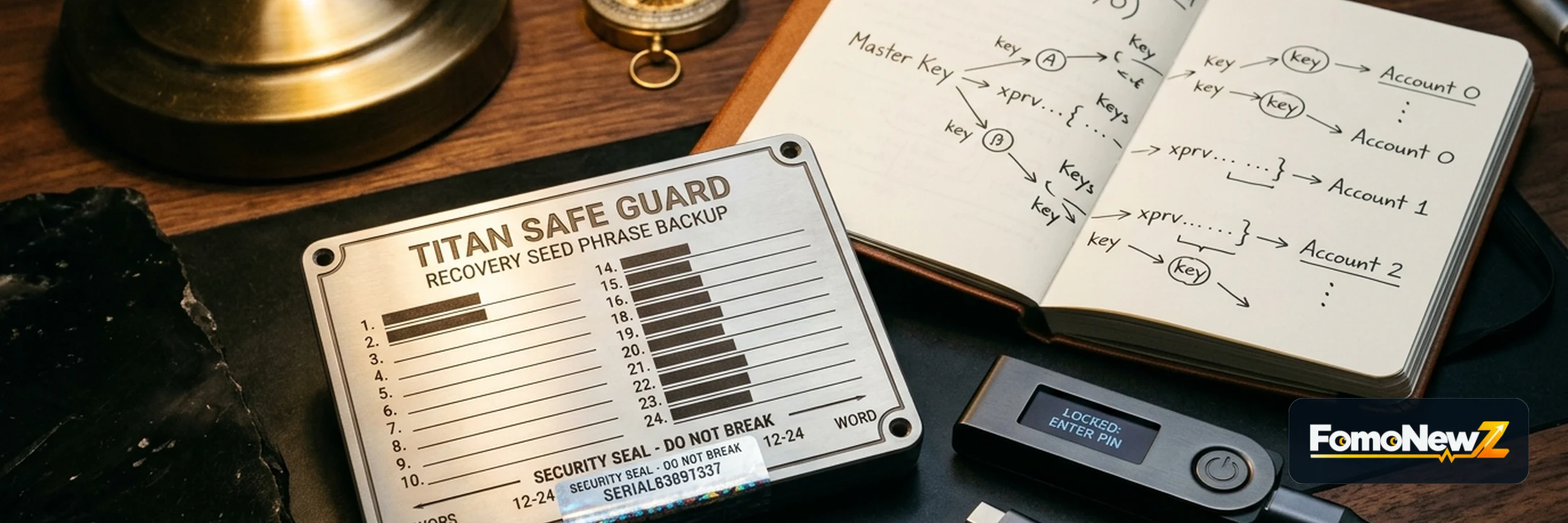
Many wallets create a word-based backup that can restore access if the original device is lost or damaged. Anyone who obtains a complete valid backup may be able to recreate the wallet elsewhere. A PIN that protects one physical device does not neutralize a stolen backup.
Official guidance from Ethereum.org and Trezor recommends keeping recovery material offline and never sharing it with a support agent or entering it into an unsolicited website. Avoid screenshots, cloud notes, email and ordinary photo backups. The storage method also needs to account for physical loss, water, fire and unauthorized access.
Chapter 05
Recovery design is a balance between theft and loss
One copy in one location is simple, but a single accident can destroy it. Several identical copies can improve availability while increasing the number of places an attacker might find the complete secret. Threshold schemes such as SLIP-39 divide recovery into shares and require a chosen number of them, but they demand careful documentation and compatible recovery tools.
Do not adopt an advanced scheme simply because it sounds safer. Confirm exactly what the wallet supports, what combination is needed, how passphrases interact with the backup and what happens if a share or instruction is missing. Test the documented procedure before meaningful funds depend on it—without exposing the live secret to a connected device or another person.
Chapter 06
Phishing attacks the recovery process and the user's attention
A convincing logo, urgent warning or polished support message is not proof of authenticity. Attackers commonly impersonate wallet providers and ask users to 'verify', 'synchronize' or 'restore' a wallet. The decisive red flag is a request for the recovery phrase, private key, password or one-time code.
Navigate through a saved official address or the provider's verified application rather than a link in an unexpected message. Check software updates through official channels. If an alert creates urgency, stop and independently confirm it before opening the wallet or signing anything.
Chapter 07
Every transaction is a separate security decision
Before signing, verify the destination address, network, asset, amount and fee on the most trusted display available. Smart-contract interactions can grant permissions that remain active after the first transaction, so the prompt should be read as an authorization request rather than a routine confirmation.
Use a small test transfer when the destination or workflow is new, while remembering that a successful test does not prove every later address is correct. Keep day-to-day activity separate from long-term storage where practical, and review outstanding token permissions periodically.
Chapter 08
A comparison checklist before choosing a wallet
Confirm the custody model, supported networks, recovery standard, device and operating-system requirements, update policy, independent security reviews and what information the provider collects. Check the official source date because compatibility and features change.
Finally, rehearse failure: a lost phone, a broken hardware device, a forgotten PIN and the unavailability of the primary owner. A responsible setup is one that the intended user can operate, verify and recover under stress—not the setup with the longest feature list.